How to automate Google review responses safely.
Every review deserves a reply, but you don't have time to write hundreds — and a tone-deaf automated response to an upset customer can do real damage. The answer isn't "automate everything" or "automate nothing." It's knowing which reviews are which.

Safe automation in one paragraph.
Auto-post replies to clear positive reviews, hold anything sensitive for one-click approval, and route genuinely serious reviews — legal threats, medical claims, factual disputes — to a human. Automating the easy majority frees you to give real attention to the few reviews that actually need it. Automating everything indiscriminately is what gets businesses into trouble.
Responding to reviews matters — it signals you're engaged, and future customers read the replies as closely as the reviews. The trick is doing it at scale without letting a machine mishandle the moments that count.
The traffic-light rule.
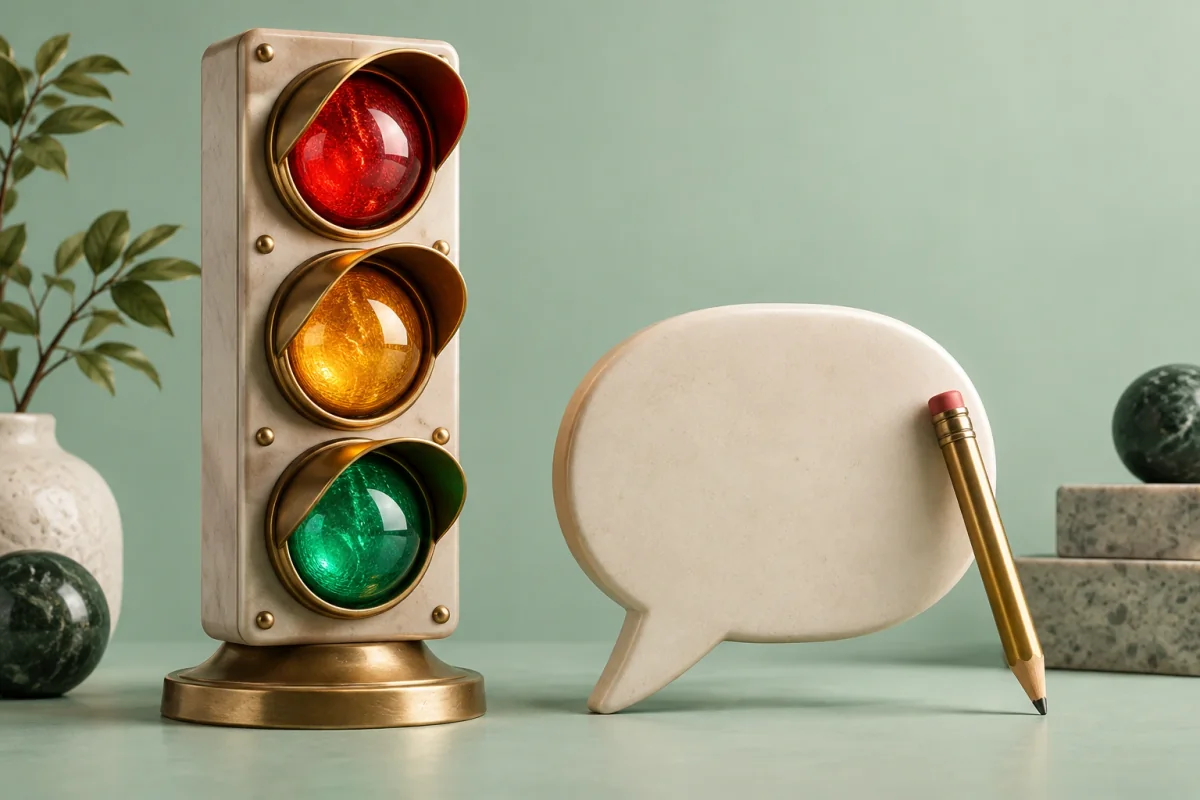
Not all reviews carry the same risk, so they shouldn't all get the same treatment. Sort every incoming review into one of three lanes — the traffic-light rule — and let the colour decide how much automation is safe.
🟢 Green — auto-post is fine
Clear, positive, straightforward reviews. A four- or five-star note saying your cleaners did a great job needs a warm, specific thank-you, and there's little that can go wrong. These are the bulk of most businesses' reviews, and letting them auto-post in your brand voice — promptly, so the customer feels heard — is a genuine time-saver with almost no downside. Speed here is a feature.
🟡 Amber — draft, then approve
Anything mixed, mildly negative, or ambiguous. A three-star review, a compliment with a complaint attached, sarcasm the model might misread. These want a human eye before they go live, so the safe mode is one-click approval: the reply is drafted for you, you glance at it, and you post or tweak it. You keep the speed of automation and the judgment of a person.
🔴 Red — human only
The reviews where a wrong reply is genuinely costly: legal threats, medical or safety claims, allegations of harm, factual disputes, anything emotionally charged. These should never post automatically. Route them to a person — ideally someone who can also act offline — and treat the public reply as the smallest part of the response. When in doubt, treat a review as red.
Setting a brand voice that doesn't sound like a robot.
The fastest way to make automation backfire is to fire the same "Thank you for your feedback" at everyone. Customers spot it instantly, and it makes you look like you care less, not more. Good automated replies do two things: they carry a consistent brand voice you've set — warm, professional, a little personality if that's you — and they respond to what the review actually said.
A reply that thanks a customer for specifically mentioning your weekend availability, or acknowledges the exact issue they raised, reads as human because it is responsive. That's the difference between a hundred identical templates and a hundred genuine replies produced quickly. When you automate review responses with Reputably, replies are drafted in your configured voice and grounded in the review's specifics — and anything the system isn't confident about drops into the amber lane for your approval rather than guessing.
What Google expects from your replies.
Automation doesn't exempt you from the guidelines — it makes following them more important, because you're replying at volume. The essentials owners get wrong:
- Never share personal details about a customer in a public reply — no confirming appointments, treatments, order specifics, or anything that identifies them beyond what they've already shared.
- Never offer incentives to change, remove, or leave a review. Discounts-for-edits is against the rules and reads as bribery.
- Stay relevant and genuine — no off-topic content, no fake replies, no arguing a customer into the ground in public.
- Keep it professional even when the review isn't. The reply is for every future customer reading it, not just the reviewer.
These constraints are precisely why the red lane exists: a sensitive review often can't be answered safely without a human weighing what's appropriate to say in public. Let automation handle the green, keep judgment on the amber and red, and you get scale without stepping on a rule.
Multi-location without losing the thread.
The traffic-light rule scales cleanly, which is why multi-location businesses and agencies lean on it. You can set the approach per location — auto-post the green reviews, approve the amber, route the red — so a fifteen-branch client keeps a consistent, on-brand voice across every site without an owner personally typing every reply. Each location stays covered, response times stay fast, and the handful of reviews that genuinely need a person still get one. For the hands-on setup, see set up Google review replies; to compare tools, see the best review management software.
Automating review replies, answered.
Is it safe to automate replies to Google reviews?
Yes, when you automate with judgment rather than blindly. The safe pattern is to auto-post replies to clear positive reviews, hold anything sensitive for one-click approval, and route genuinely serious reviews — legal threats, medical claims, factual disputes — to a human. Automating the easy majority frees you to give real attention to the few reviews that need it. Automating everything indiscriminately is what gets businesses into trouble.
Should I auto-reply to negative reviews?
Not automatically. A negative review is where a careless reply does the most damage and a thoughtful one does the most good, so those should be drafted for a human to approve, not posted unattended. Anything involving a legal or medical claim, a safety issue, or a factual dispute should go to a person before anything is published. Automation should handle your straightforward reviews so you have time for the hard ones.
What are the rules for replying to Google reviews?
Google's guidelines expect genuine, relevant replies: don't share a customer's personal details in a public response, don't offer incentives to change or remove a review, don't post fake or off-topic content, and keep it professional. Beyond the rules, good replies are specific, calm and human — thank real detail, address concerns without arguing, and take heated conversations offline. Automation must respect all of this, which is exactly why sensitive replies need a human.
How do I keep automated review replies from sounding robotic?
Set a clear brand voice and let replies reference the specifics of each review rather than firing the same template at everyone. A reply that thanks a customer for mentioning your Saturday availability by name reads as human; 'Thank you for your feedback' pasted a hundred times reads as a bot. Reputably drafts replies in your configured voice that respond to what the review actually said, and holds anything uncertain for your approval.
Can I automate review replies across multiple locations?
Yes, and multi-location is where automation earns its keep. You can set the approach per location — auto-post for straightforward reviews, approval for the rest — so a business with many branches keeps a consistent voice without an owner personally answering every review at every site. Reputably handles review responses per location so each branch stays covered while sensitive cases still route to a person.
Related guides.
Facts checked July 2026. Google and Google Business Profile are trademarks of Google LLC; Reputably is not affiliated with or endorsed by Google. Review-platform policies change — confirm current guidelines before configuring automation.
Explore the ideas in practice
See how Reputably brings social listening, AI visibility and reviews together.